
01
Production in
Blocks or rubble are booked with length, width, height, m³, quality, bench and photos.
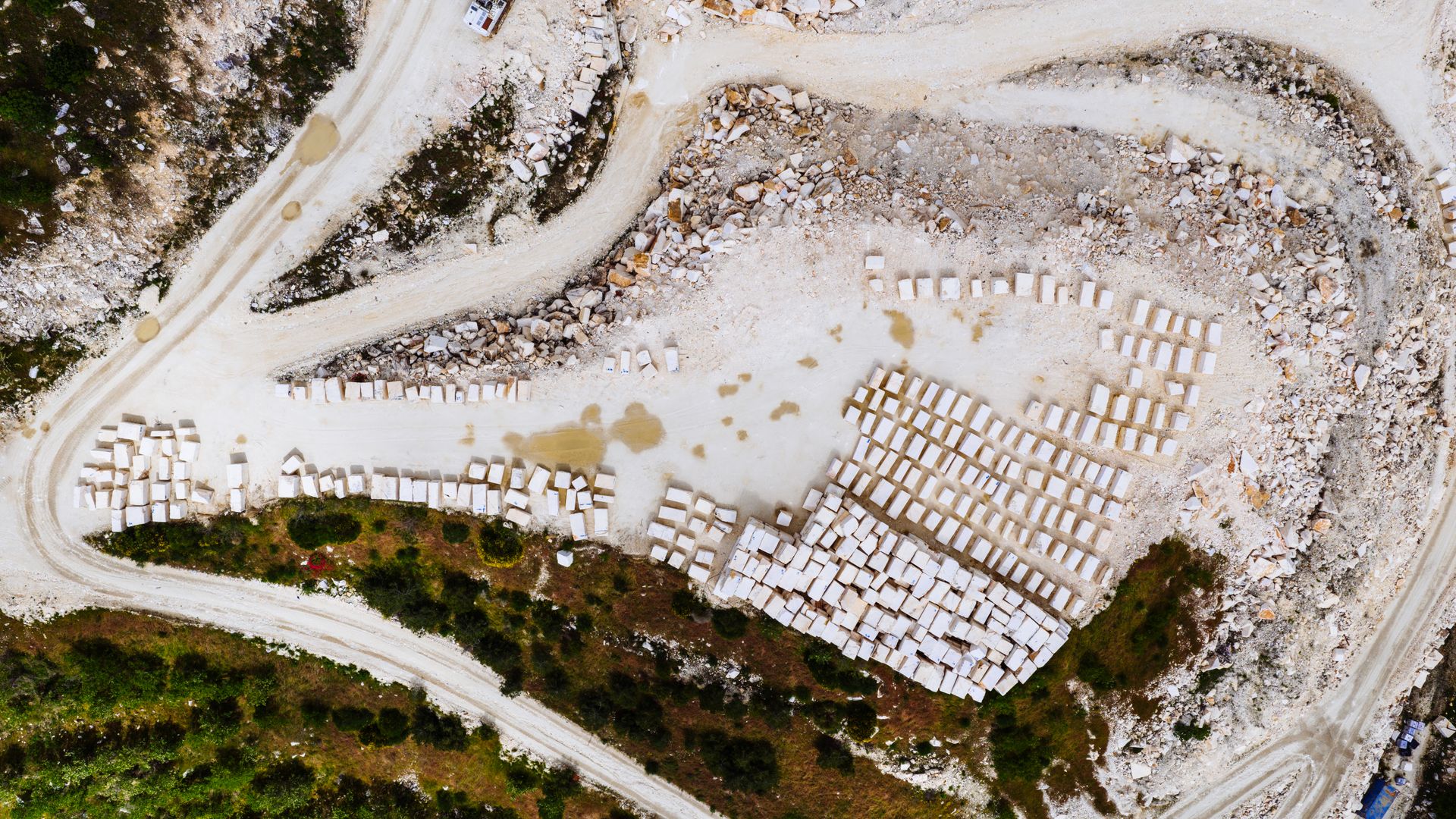
White Quarry · EgeOcak
Production intake, customer marking, truck dispatch, quarry inventory and a buyer portal in one online system. Built in Mugla for export pits — use it anywhere you have internet.
Why this version
Every block is recorded with dimensions, quality, bench and cut. Customers mark what they want. Trucks leave with a dispatch slip. You always know what is in stock, who received what, and which production figures feed the official report.
Quarry cycle
Blocks or rubble are booked with length, width, height, m³, quality, bench and photos.
Buyers reserve blocks on site. Open orders stay visible; progress reports show what is still waiting.
Truck and trailer slips close the stock. Factory and customer shipments are tracked separately.
Official mining reports, quality mix, shipping age and in-out balance inform the next cut.
Customer portal
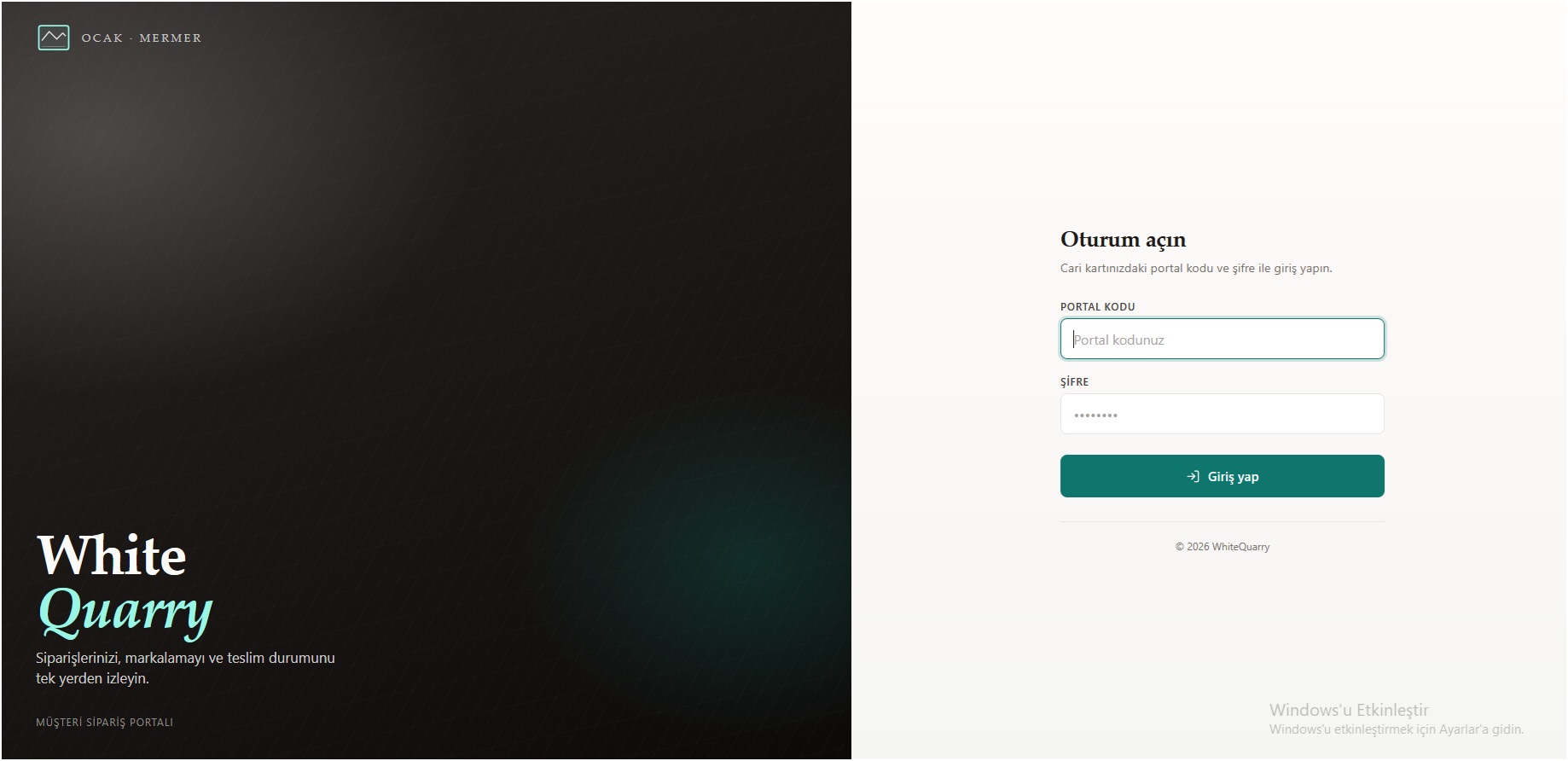
A portal code and password sit on the account card. Customers see marked orders, shipped versus remaining lines, and a PDF of the detail. Sales leaves the “is my block still there?” loop.
Open the portal page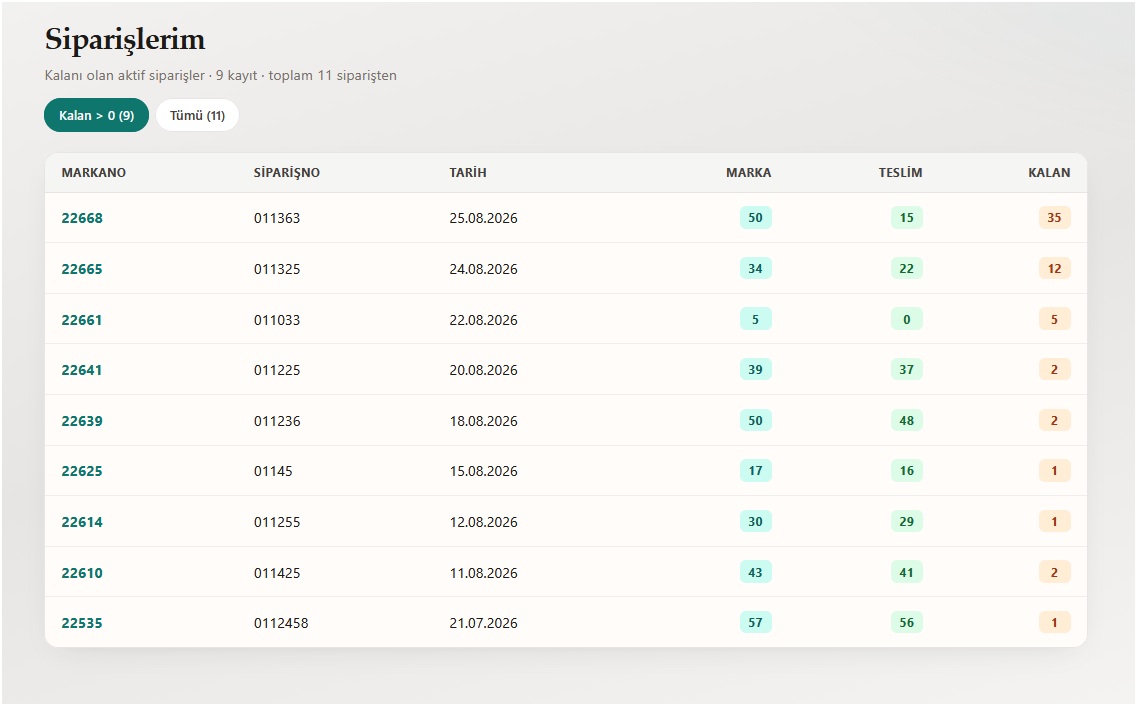
Modules
Production and dispatch documents with print and date summaries.
Blocks reserved for a customer, stock list and active orders.
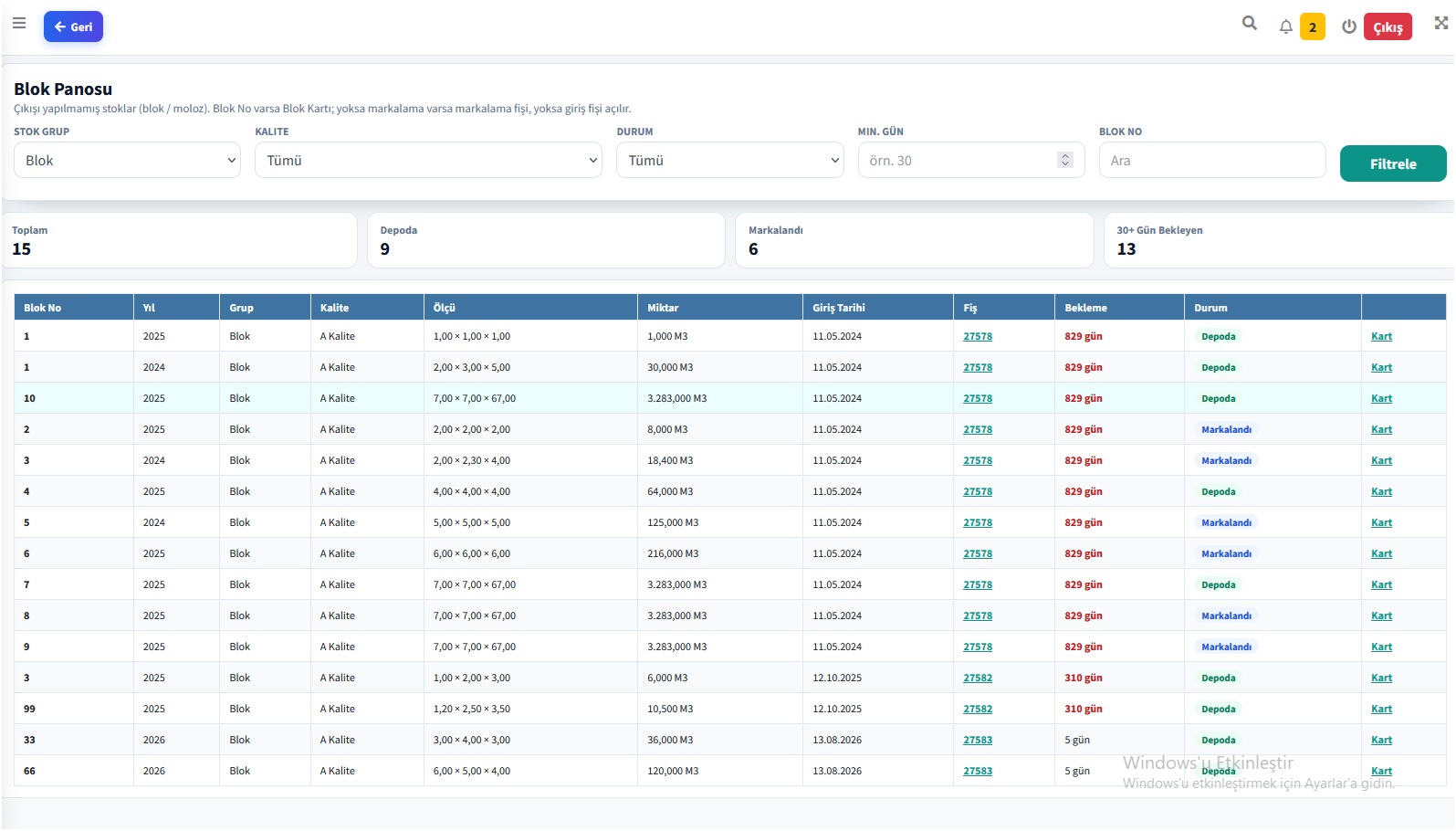
See waiting blocks by quality, group and idle days.
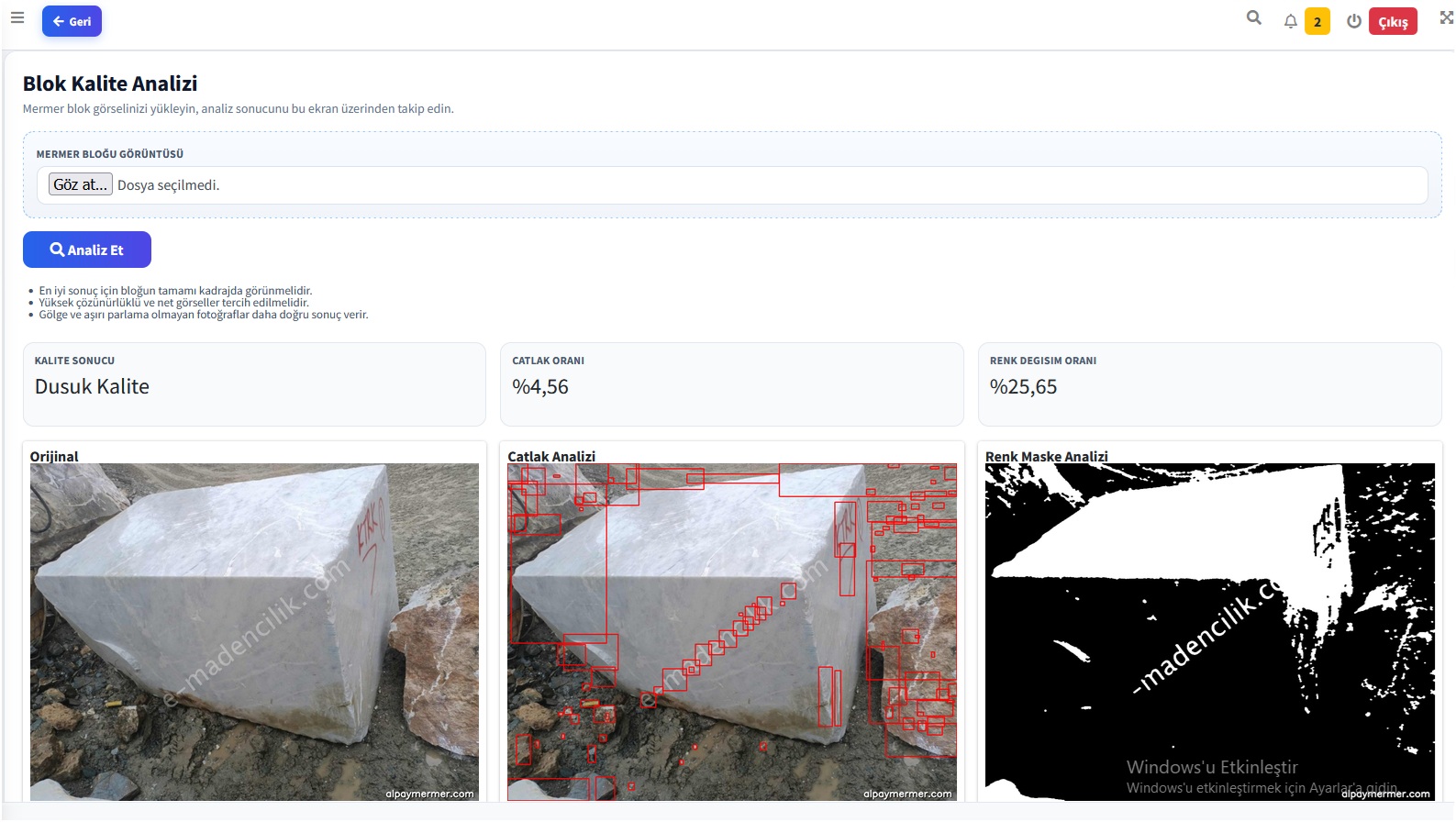
Crack and colour variation from a photo, with a quality label.
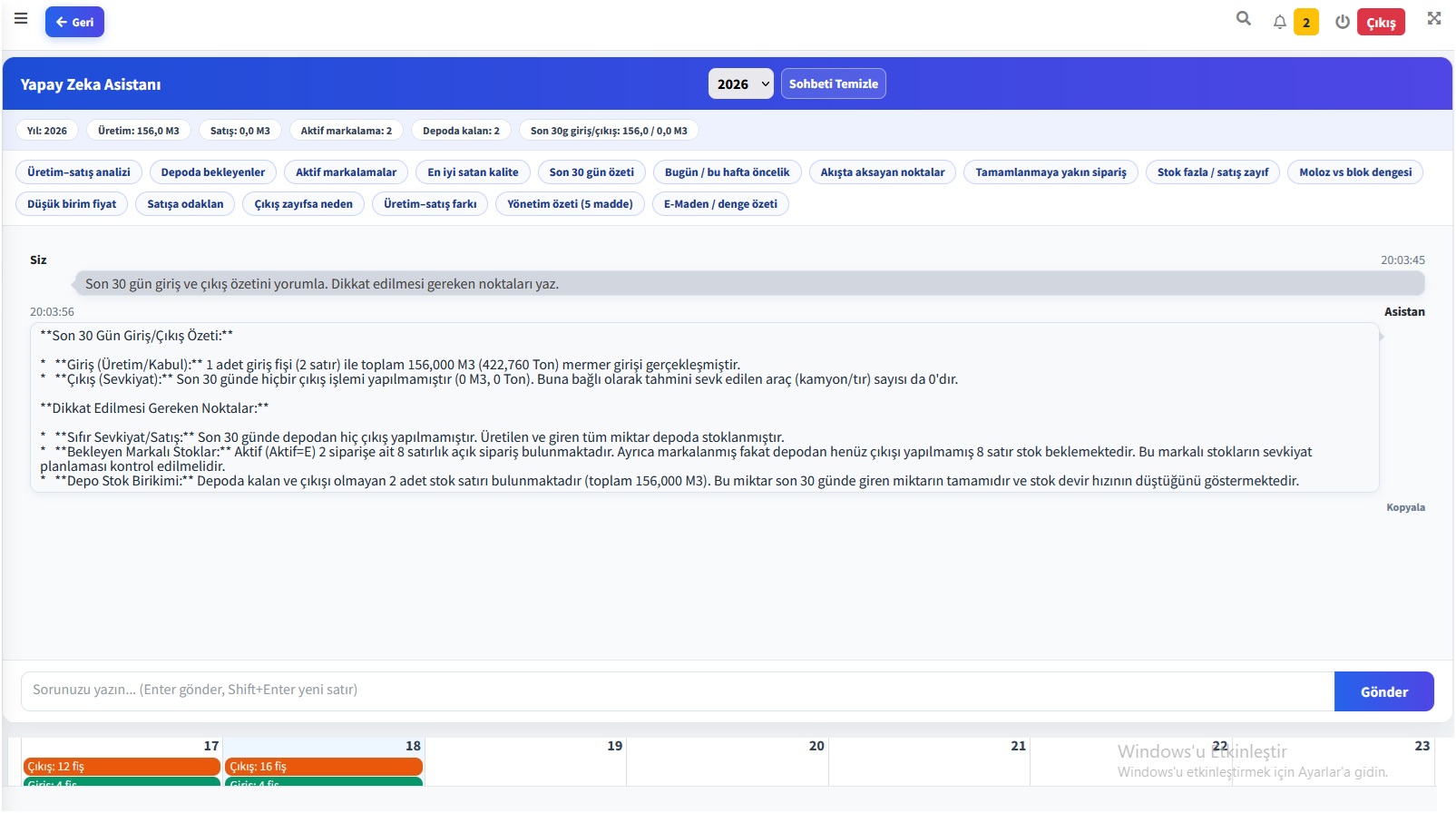
Ask production, stock, customer and quality questions in plain language.
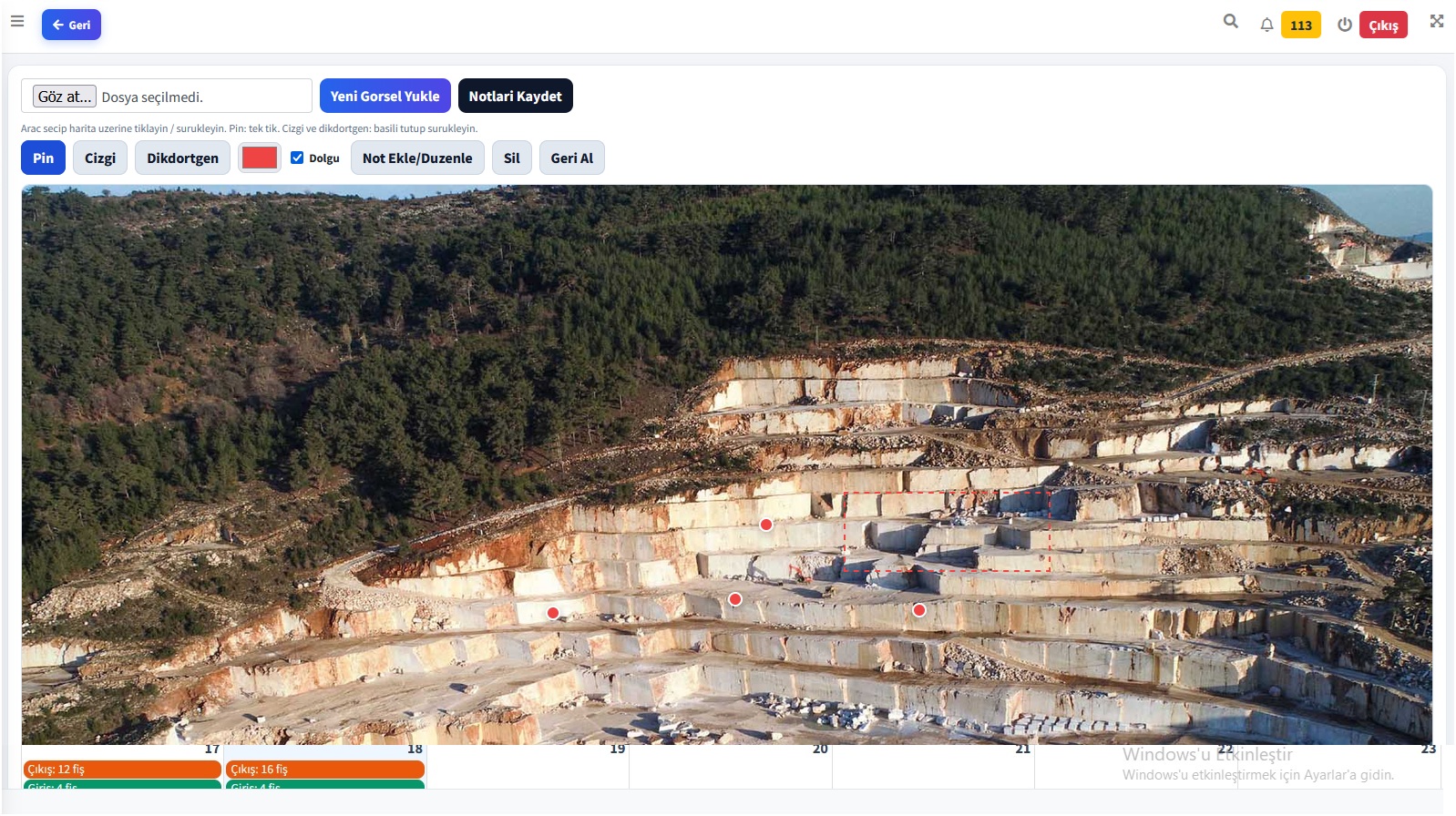
Drop pins, lines and notes on a quarry photograph.
Movement, quality mix and yearly summary on the account card.
Buyers sign in with a code and password; they track marked, shipped and remaining lines.
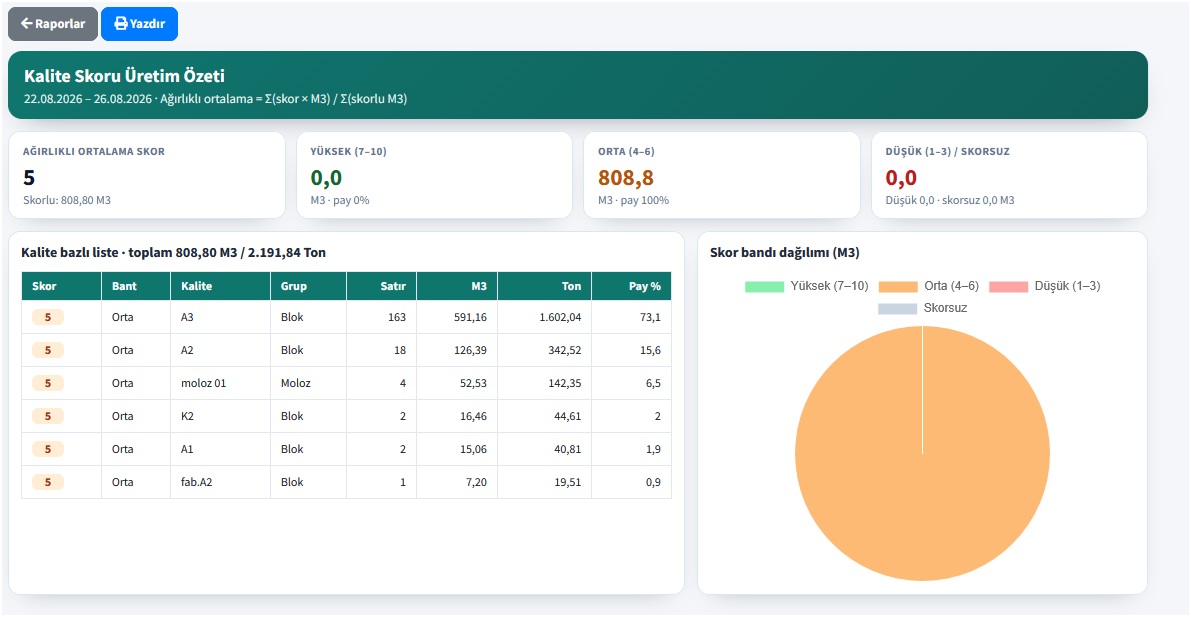
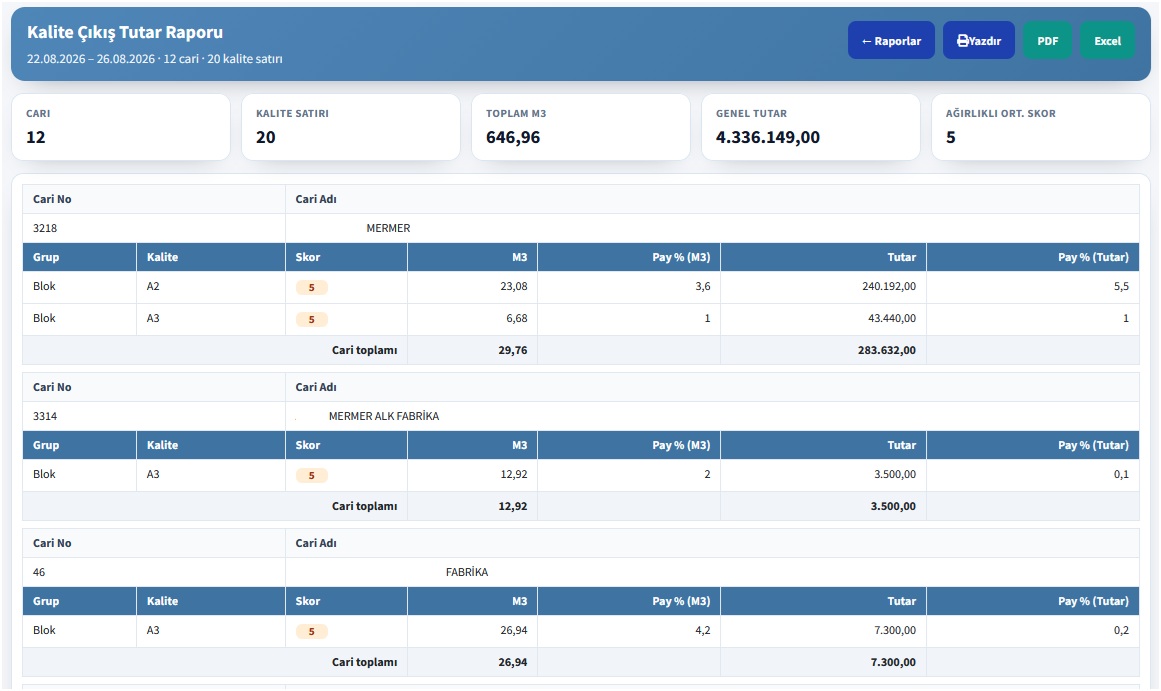
A numeric score on each grade. Weighted summaries by production and customer.
Users, company, accounts and stock definitions in one place.
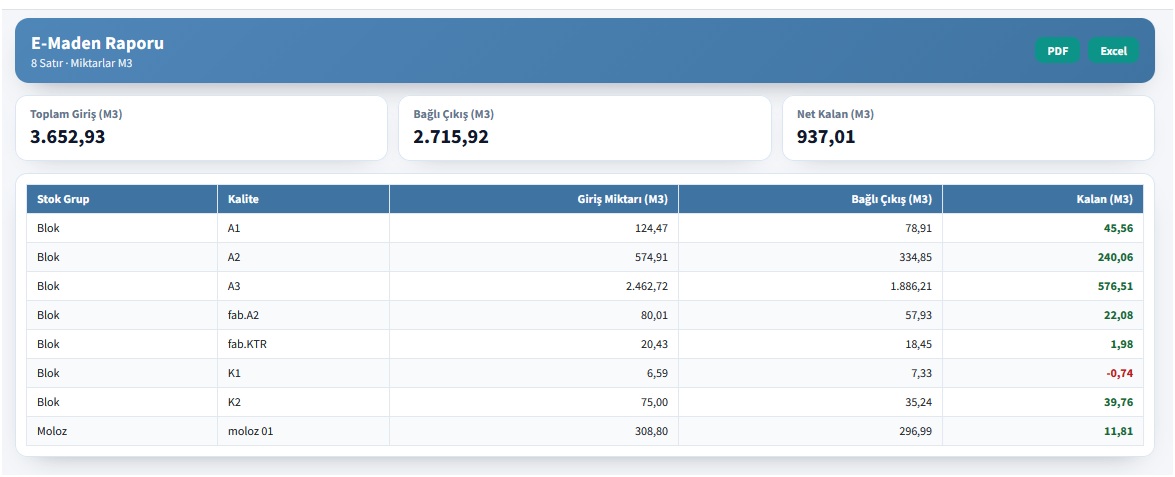
Production figures for statutory reporting come from the slips.
Decision support
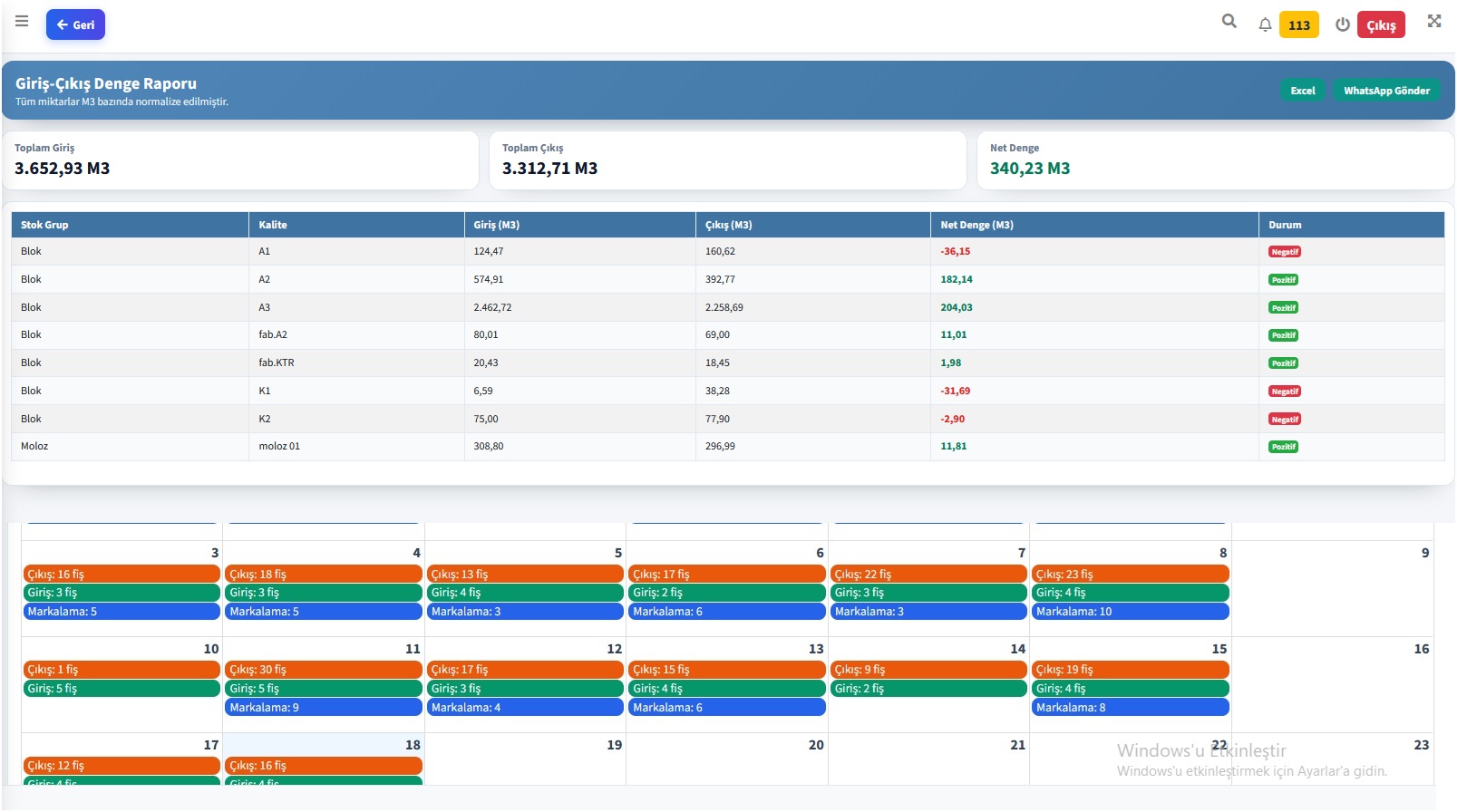
Intake reports include the official mining file, quality and bench charts, monthly production, forecasts, in-out balance, a quality heatmap and a quality-score summary. Dispatch adds detail, quality mix, estimated m³, value and shipping age. Orders add detail, quality mix, progress and an account-level score summary.
Open the report listSoftware screens
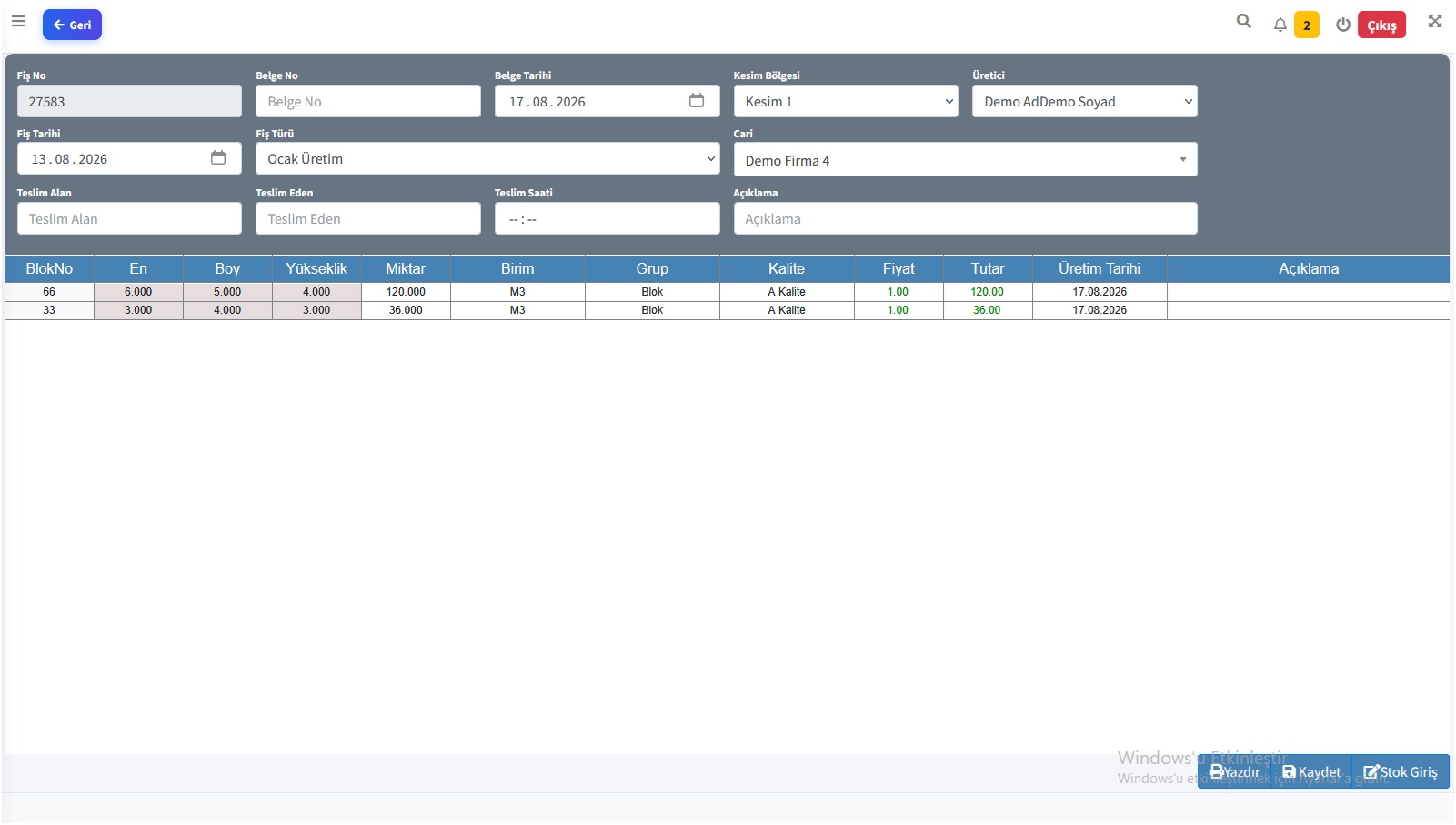
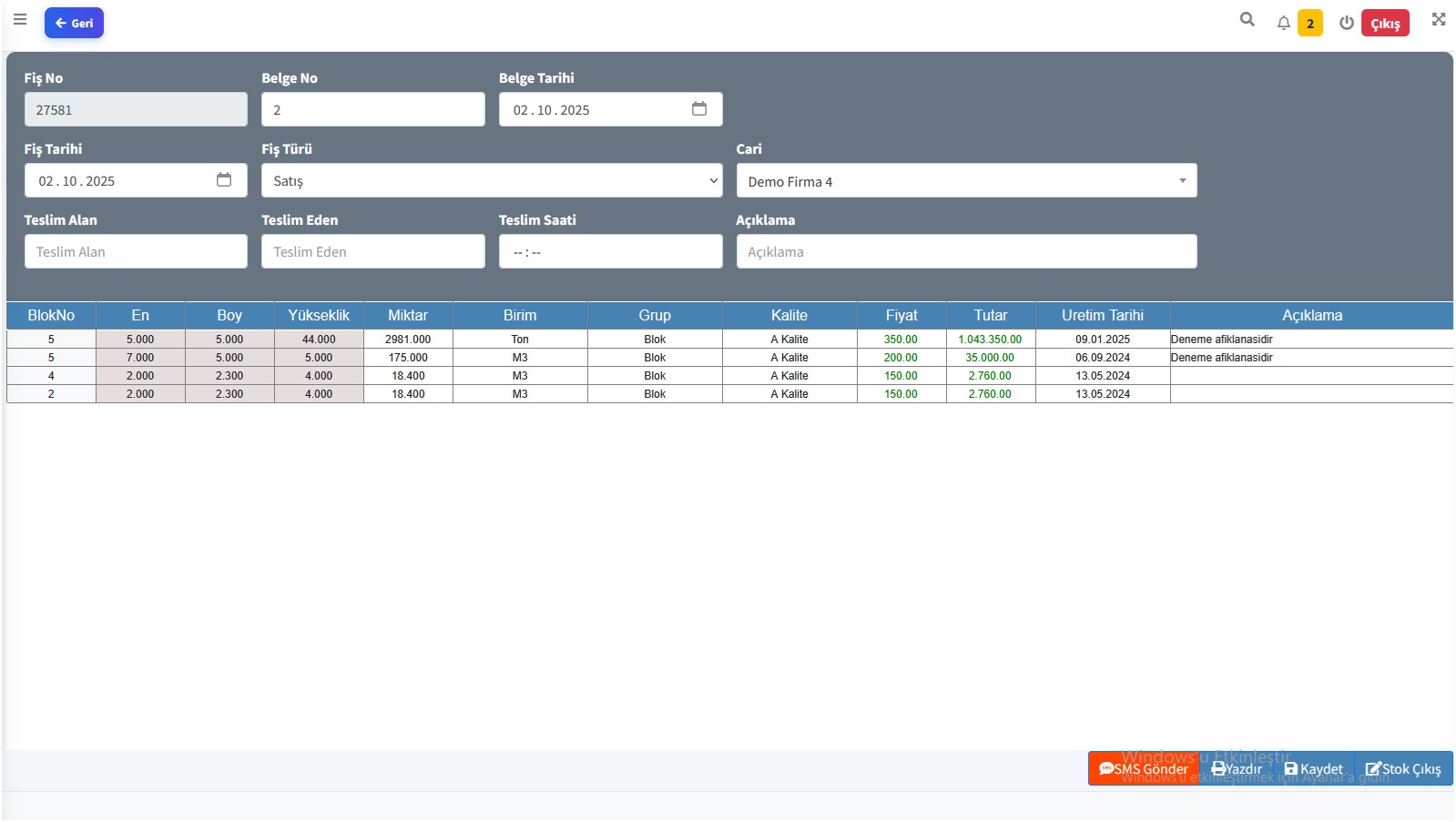
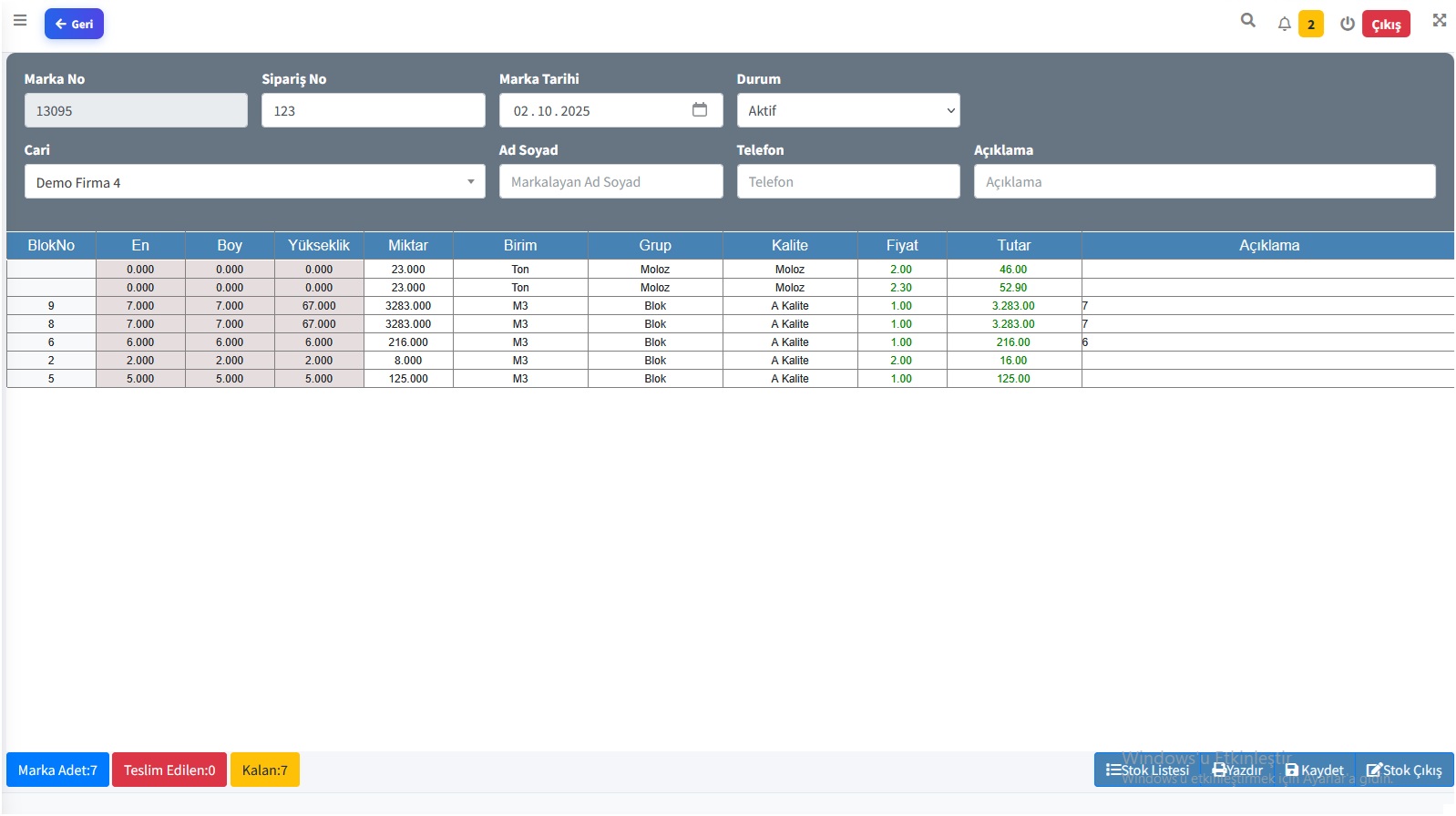
Click a screen to enlarge. Slips, stock board, AI and the official report live in one product.
Excel or quarry software?
Daily block flow copies rows, splits the official file from the slips, and leaves a mark on paper. The full table is on the comparison page.
| Situation | Excel / notebook | EgeOcak |
|---|---|---|
| The same block is sold twice | The row lives in another file. | Intake, mark and dispatch share one record. |
| Official file does not match slips | The statutory sheet is typed separately. | The report is produced from intake slips. |
| A marked stone is forgotten | A note or chat message disappears. | Open orders stay on the top bar. |
FAQ
EgeOcak is online marble quarry software that tracks blocks and rubble from production intake through customer marking to dispatch.
No. EgeOcak runs in the browser. Use it anywhere you have internet; there is no local backup burden.
Yes. Intake reports include the statutory mining file, quality and bench mix, a production forecast and the in-out balance.
In daily production the same block can be sold twice, the official file drifts from the slips, and a marked stone is forgotten in the yard. See them side by side.
In the field
Usage note · Mugla
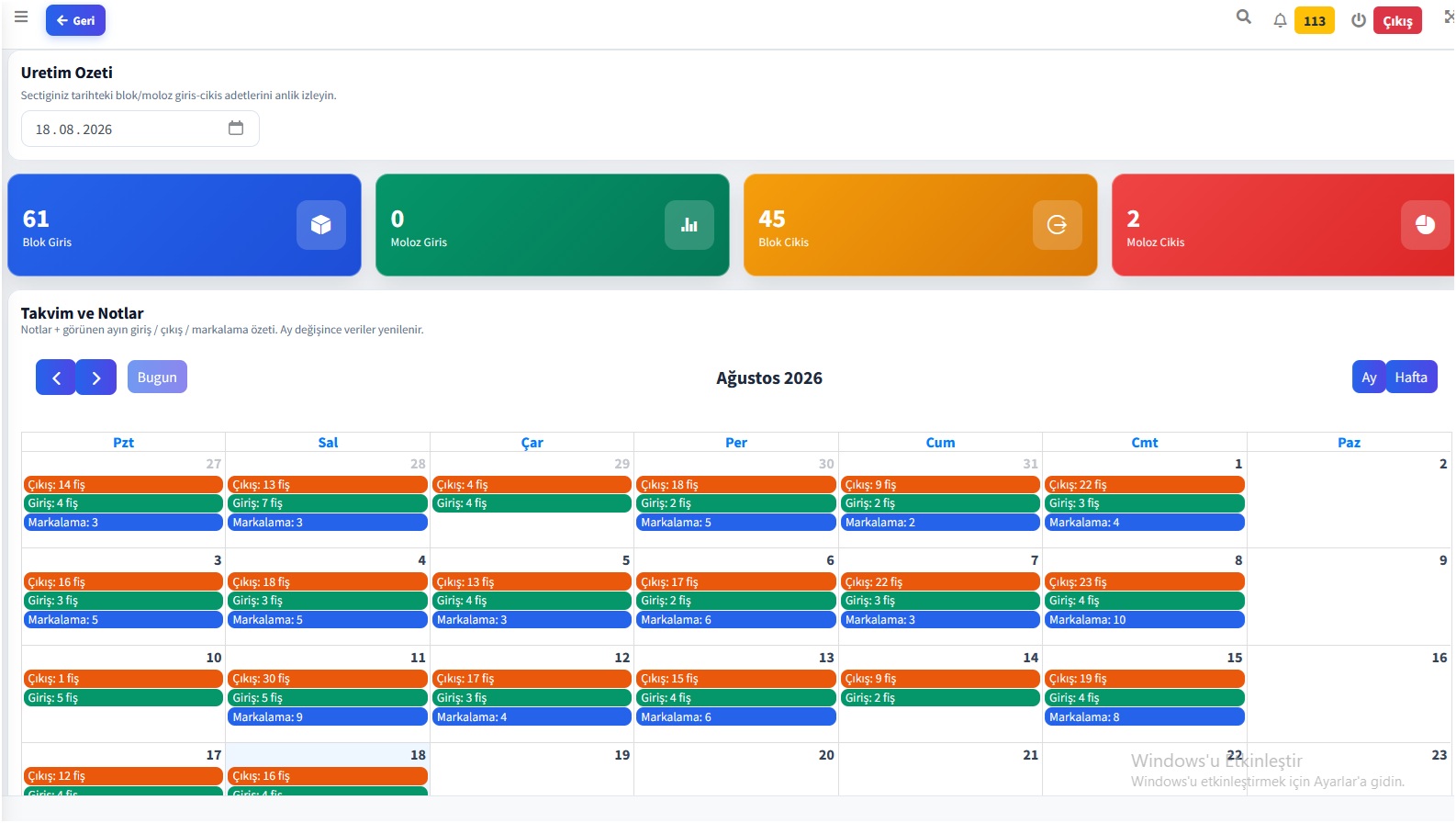
A marble quarry in Mugla books daily production in EgeOcak. Block intake, on-site marking and truck dispatch share one record. Buyers check delivered versus remaining on the portal instead of calling the office — the same “is my block still there?” call does not come twice.
Figures are from one production day and the portal summary in the software. The quarry is not named and its mark is not shown.
English guides
Each guide stays on one job: the product, the block, the yard.
What the product is, who it is for, and how a Turkish export pit runs intake, mark and dispatch.
Read the overviewUnique stone: size, photo, quality and the buyer’s mark on one record — so the same block is not sold twice.
How tracking worksWhat is still in the yard, idle days and the in-out m³ balance the office can defend to a factory abroad.
See inventoryMugla · White Quarry
Demo, pricing and onboarding replies the same day.